


POST /v1/render/backgroundBackgrounding
Standardise every listing
Turn mixed exterior shots into a consistent, branded catalogue.
Image production
Standardise exterior imagery, recover weak source photos and replace license plates without sending a vehicle through a studio.
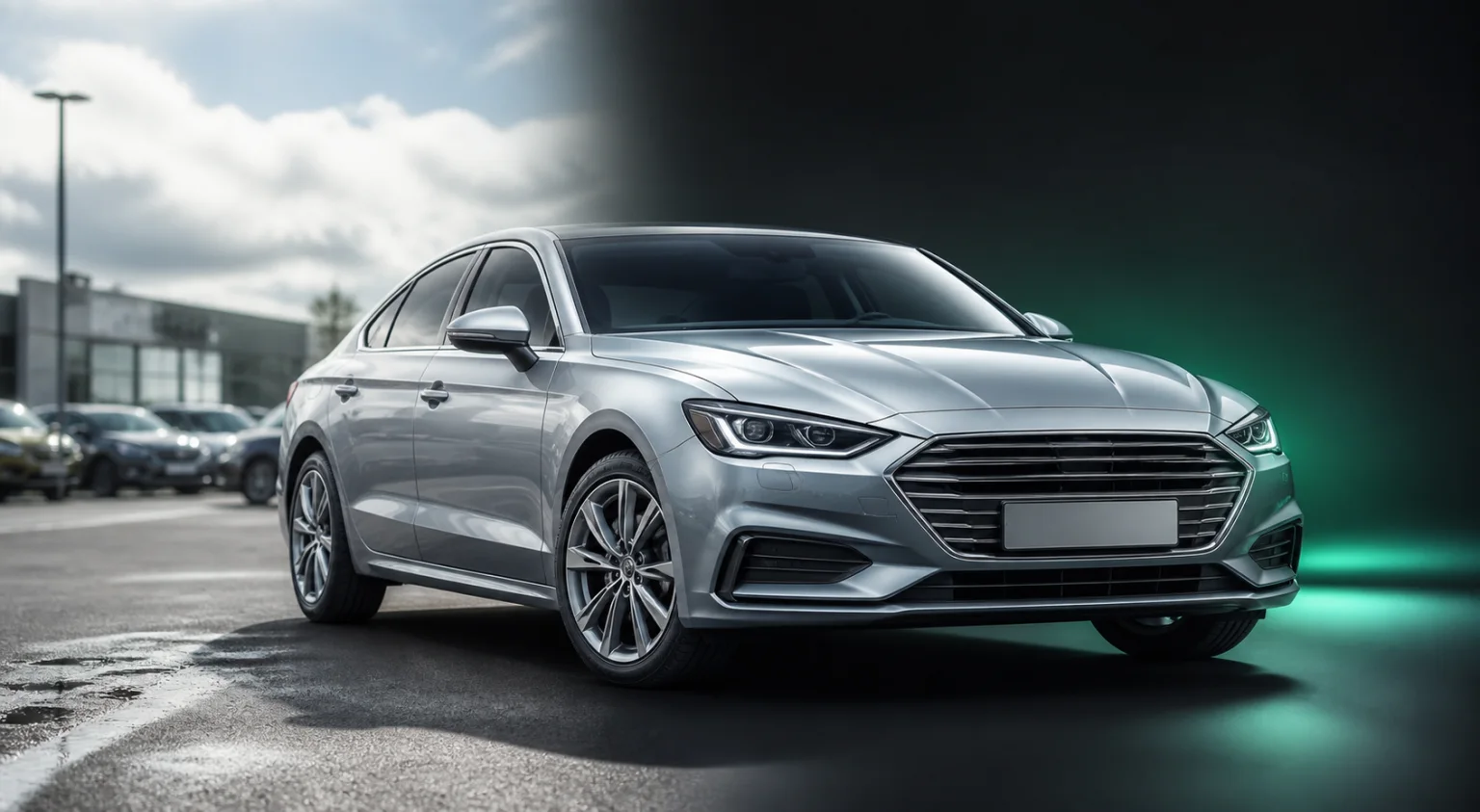 phone capture
Mixed inventory photography
brand-readyConsistent listing asset
02 / COMPOSE
Background and glass preserved
03 / PROTECT
Plate treatment applied
OPTIONAL / POLISH
Exposure and detail recovered
Model gallery
Hover or tap a card to watch the models that shape the image. From a single listing photo to a turnable 360 and a finished ad video, each output can return directly to your workflow.
IMAGE · 360 · VIDEO
POST /v1/render/backgroundStandardise every listing
Turn mixed exterior shots into a consistent, branded catalogue.
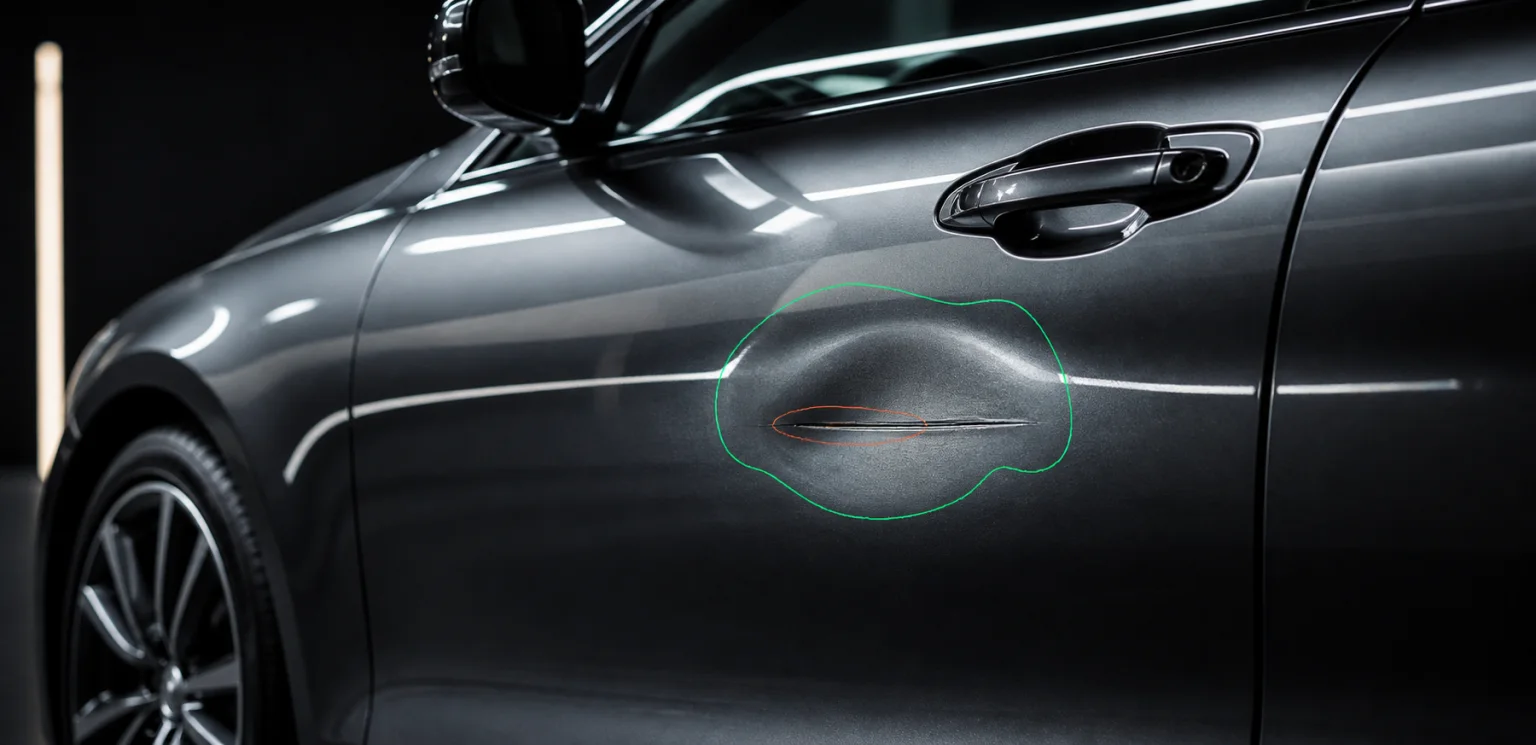
POST /v1/render/enhanceRecover publishable stock
Lift exposure, colour and sharpness before deciding that a car needs a reshoot.
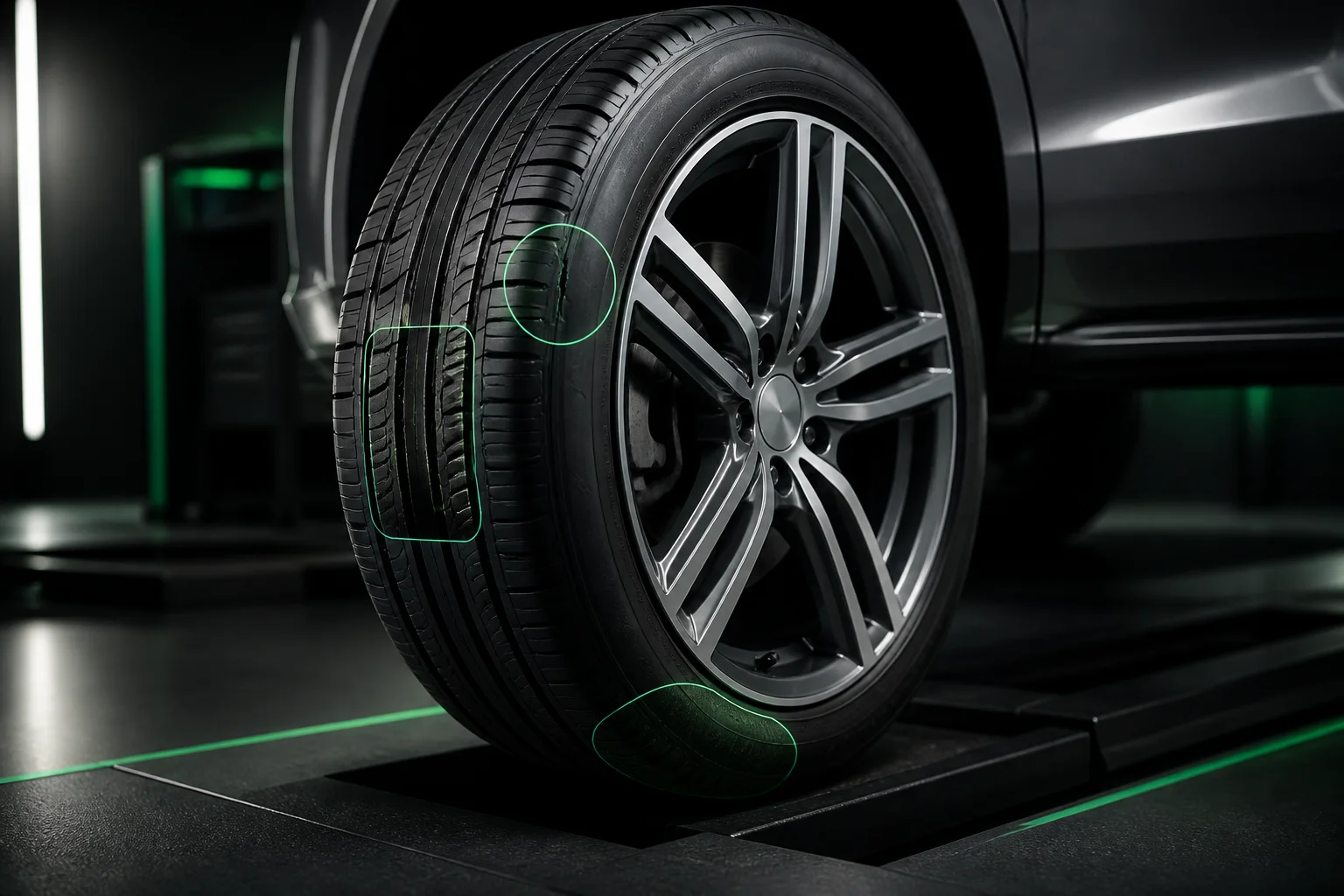
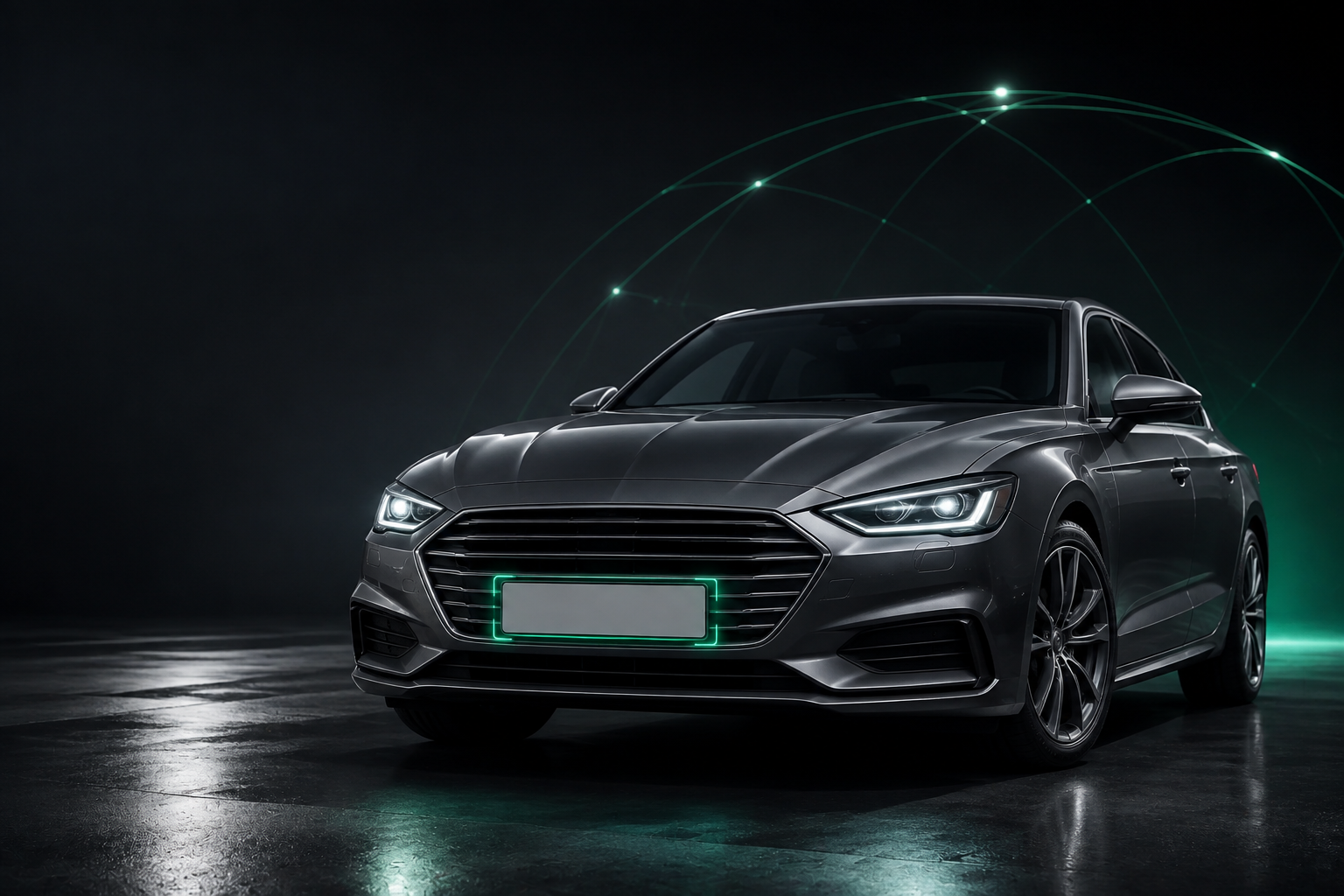
POST /v1/render/plateProtect private details
Blur, neutralise or replace plates while retaining the original perspective.
POST /v1/render/360Make four photos turnable
Create a studio 360 from four views, ready for a listing viewer and hotspots.
POST /v1/render/videoTurn stock photos into campaigns
Create a finished promotional video with selected formats, captions and brand elements.
What this changes
CarHub turns four image operations into a predictable publishing lane: make each vehicle feel like part of the same catalogue, protect private details and rescue good stock from poor light.
CONSISTENCY
Apply the same background and presentation rules across dealer, auction and marketplace inventory.
SPEED
Return finished assets to the system that created the listing through a webhook—without a separate studio handoff.
PRIVACY
Blur, neutralise or replace licence plates while keeping the vehicle and its perspective believable.
RECOVERY
Improve exposure, colour and sharpness before deciding a vehicle needs a reshoot.
The result
A visible, testable improvement on an archive of existing inventory before the first production integration.
Included capabilities
Use the stages together for a consistent catalogue, or call them independently wherever a listing needs help. Each card maps to a production endpoint.
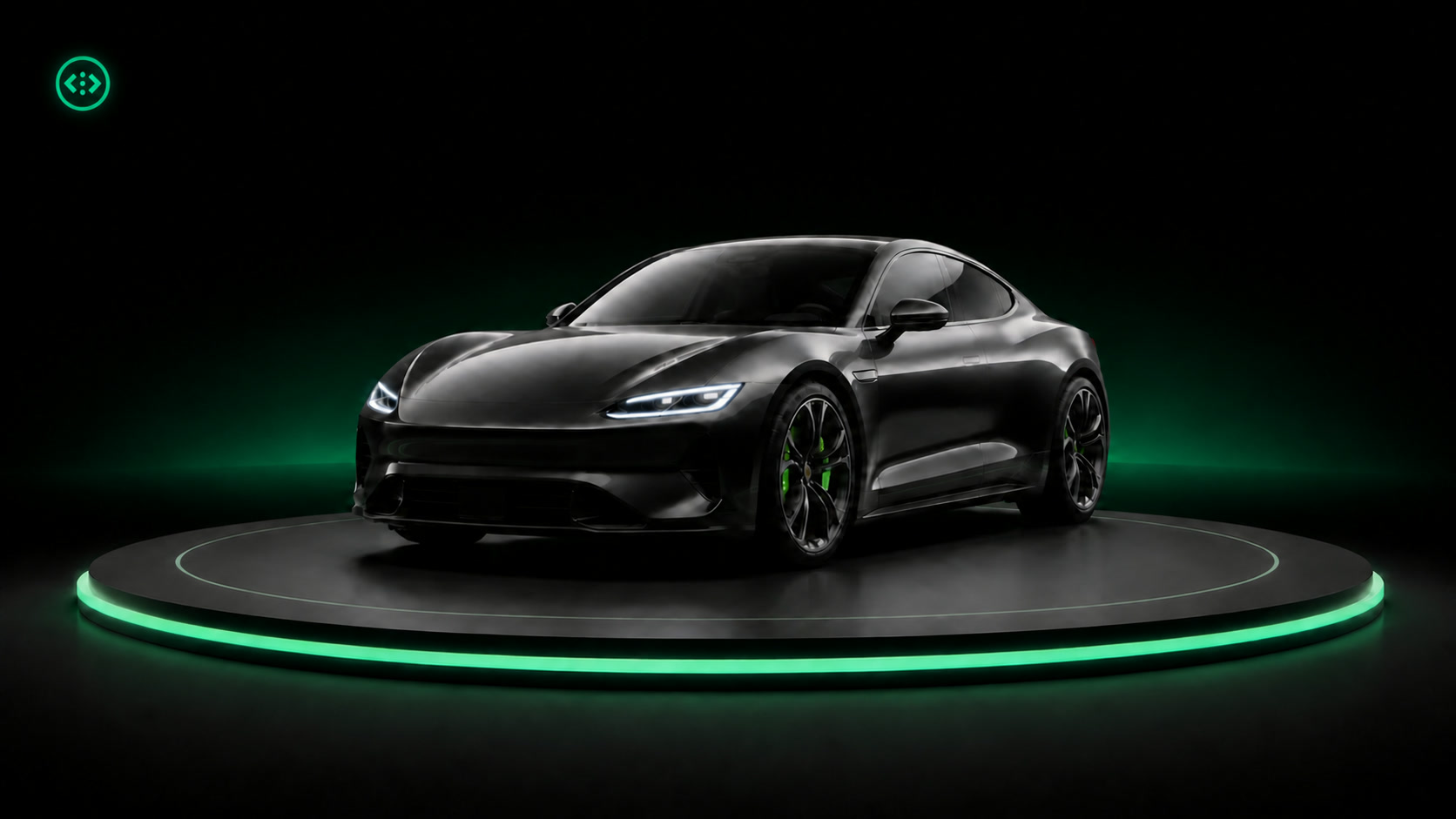
Isolate the complete vehicle and render it into a studio, showroom or your own supplied environment.
POST /v1/render/background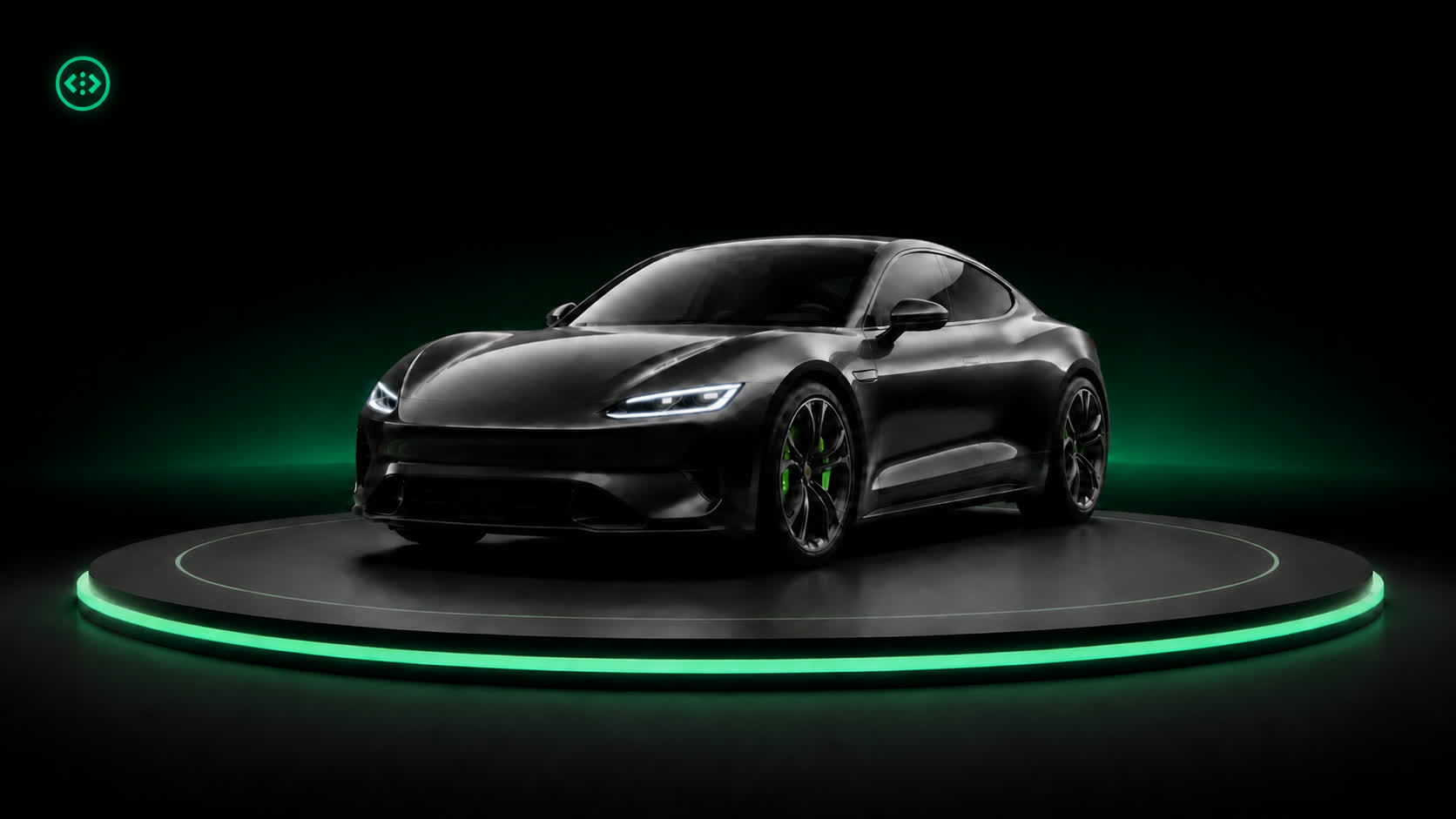
Neutralise personal registration details or substitute a dealer plate with matched scale, angle and lighting.
POST /v1/render/plate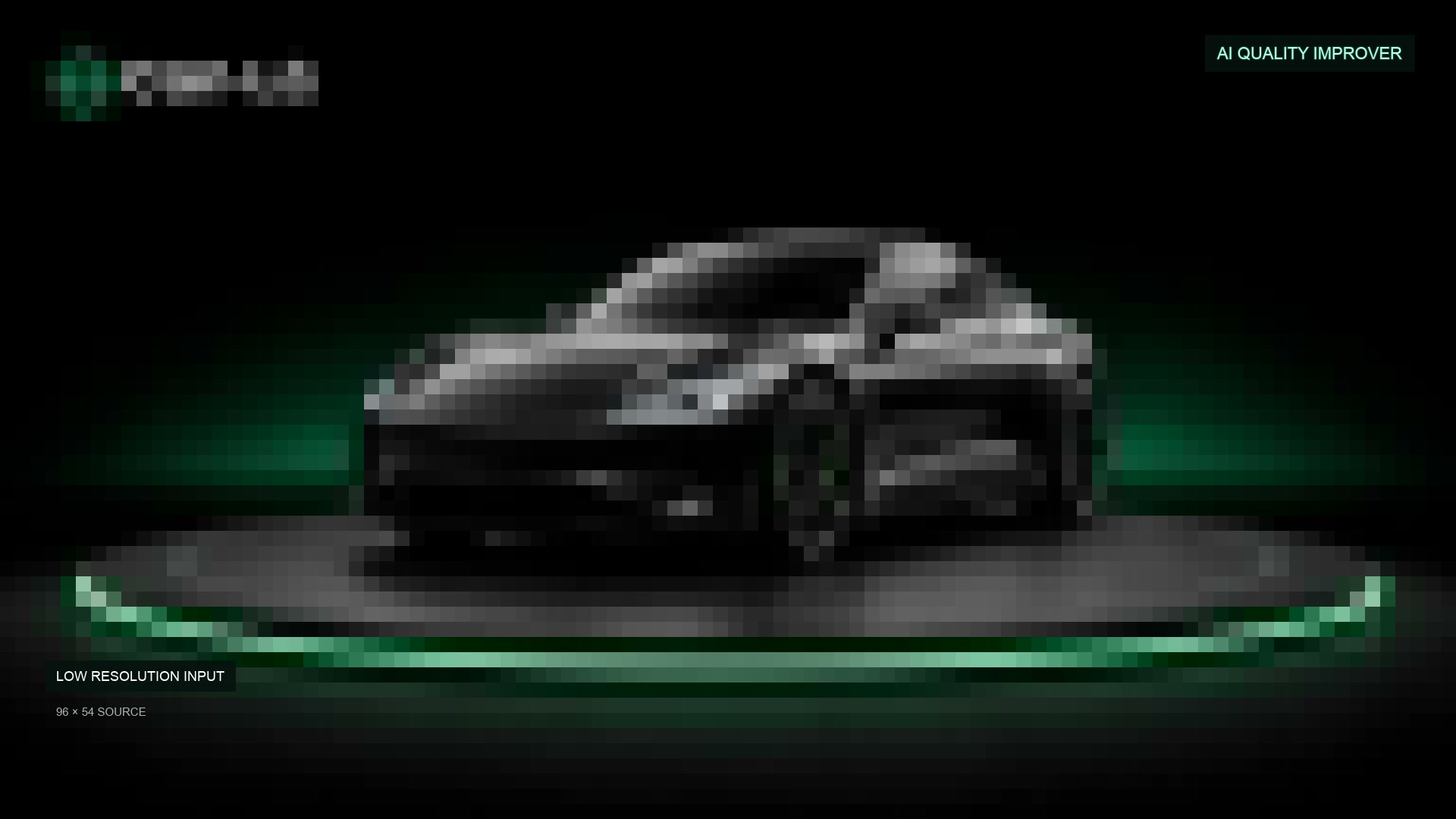
Recover exposure, sharpness and colour before publishing older or phone-shot inventory.
POST /v1/render/enhance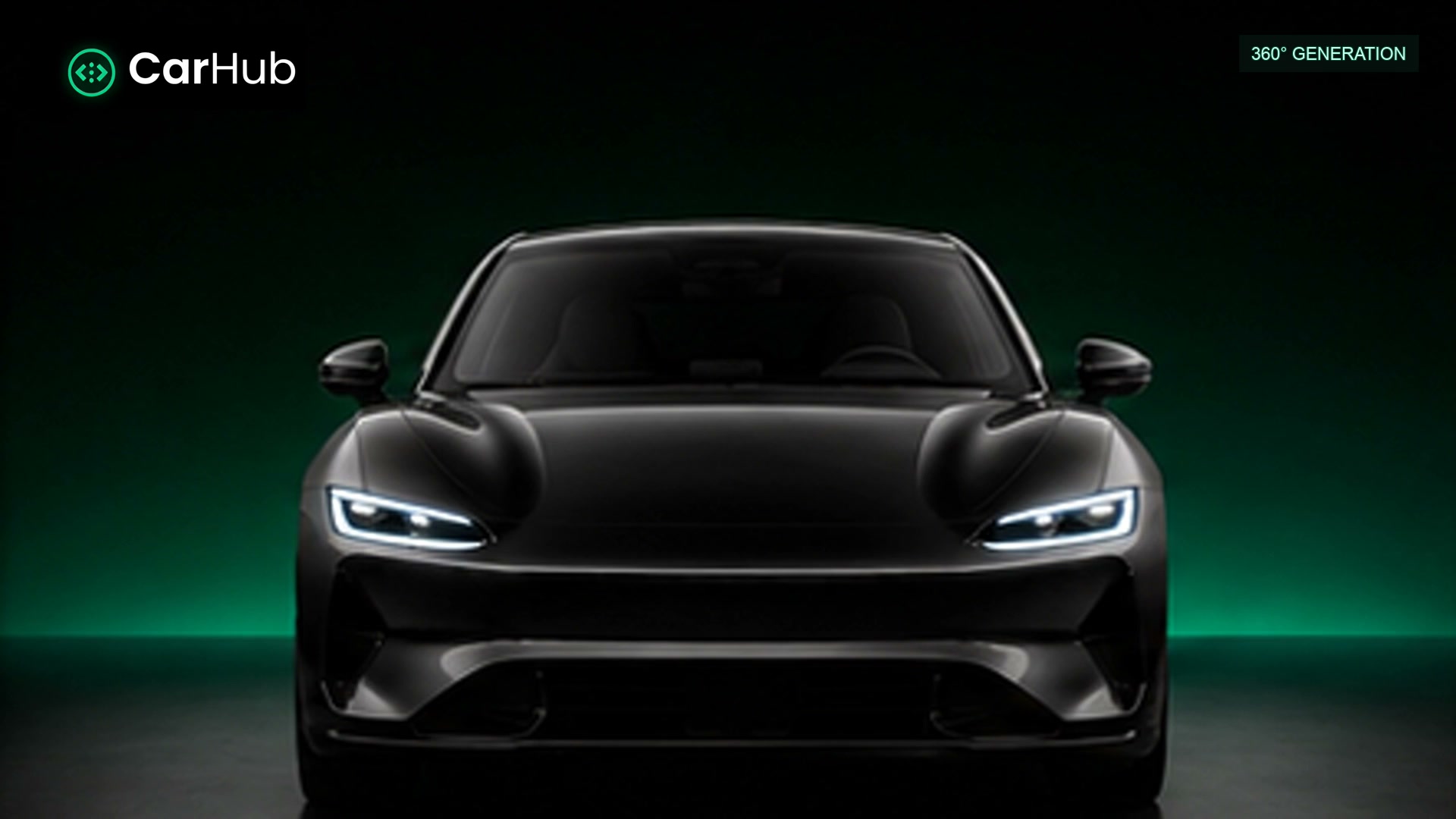
Turn four vehicle angles into a studio 360 for a listing viewer, without booking a turntable or a studio.
POST /v1/render/360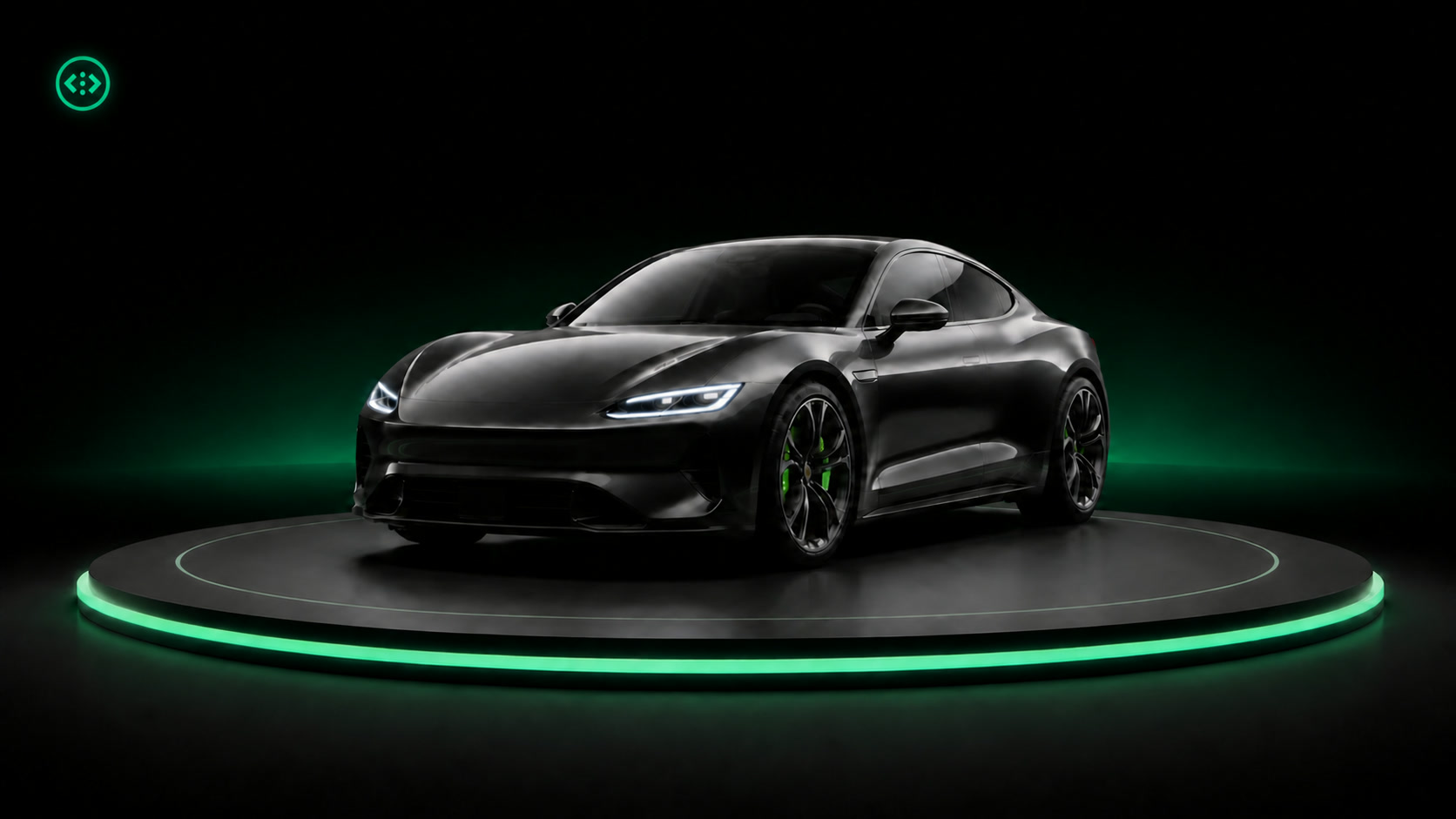
Create a promotional vehicle video from approved listing photos, with channel-appropriate formats and brand elements.
POST /v1/render/videoImplementation path
Send the original photos directly from your existing inventory workflow.
Choose the background, plate treatment and output rules for that channel.
CarHub preserves the vehicle, glass and fine edges while rebuilding the presentation around them.
Receive listing-ready assets by webhook and keep every original alongside the result.
Boundary
The service produces and returns new image assets. It never overwrites your source photography or publishes to a marketplace on your behalf.
More solutions
Start with real source material and agree on the output before planning an integration.
Get API keys